We’ll help you
get started.
Tell us what you’re looking for. We’ll send you the right setup guide, with as much help as you need to get started.

Get set up. Get the word out. Take orders.
Tell us a few details, then we’ll guide you through setup and help you get started.
Fill out the form to get started
Tell us about your business and the setup you’d like. We’ll send you the right setup guide and help with anything you need.
Get started
Set it up yourself, or let us do it
You can get your Ywait storefront set up in under an hour. Follow the setup guide yourself, or let us help you get ready to take orders.
Choose Custom Site or Custom Site & App Bundle and we’ll gather a few details, then get to work on your ordering experience. We take care of design, hosting and the build, then show you how to make the most of it.
Let customers know they can order
Share your link online and put your QR code where customers will see it. Choose what works for your business.
QR code posters
QR code table pucks
Google Business Profile link
Social media links
Start taking orders. We’ll keep in touch
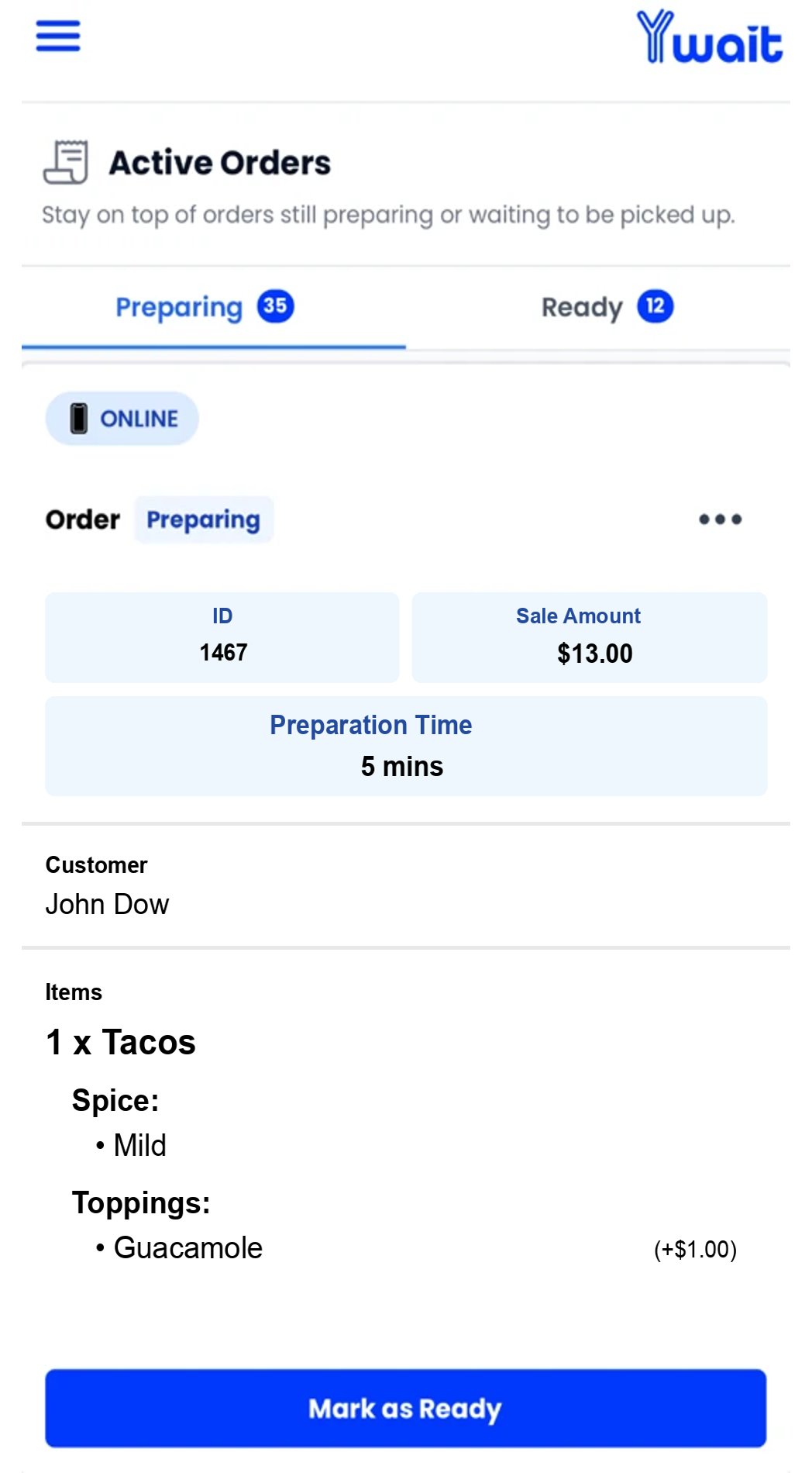
Receive orders in the Ywait Admin app or through your connected Square POS. We’ll check in regularly to see how you’re going and help you find ways to bring in more sales.
You can reach out whenever you need a hand, too.






Let’s get your business started.
Tell us a few details and we’ll be in touch to help you get started. No commitment or payment needed.
Get startedFrequently asked questions.
Send us a message and one of our team members will get back to you ASAP.
What happens after I fill out the form?
We’ll get back to you with a guide for the setup you’ve asked for. You can follow it yourself or ask us to help. If you want a custom website or app, we’ll get in touch to work through the details with you.
Can you help set up my menu?
Yes. Get in touch and tell us what you need help with. We’ll help you get it sorted and ready to take orders.
Do I need a new phone, tablet or POS?
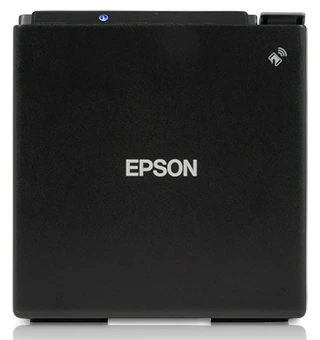
The Ywait Admin app runs on iPhone, iPad and Android devices. You can use a phone or tablet you already own, without buying a new POS. A compatible printer can be connected if you want printed dockets.
Can I use my existing Square setup?
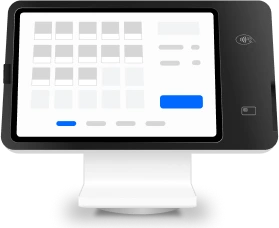
Yes. Connect Square to sync your menu in one click and manage Ywait orders on your Square POS and printer. We’ll help you work out how it fits with your current setup.
How long does getting started take?
A Ywait storefront can be set up in under an hour. Custom websites and apps have a separate build process.
Can I have my own website or app?
Yes. You can have a storefront on Ywait, your own custom branded ordering website, or a custom site and app bundle. We can help you choose, and you can compare what’s included on the pricing page.
Compare the plansWhat if I need help after I start?
Ongoing Australian support is included on every plan. We’ll check in regularly to see how you’re going and help you find ways to bring in more sales. You can also reach out whenever you have a question or need a hand.